Creating a home office space that feels both cozy and productive can significantly improve your work-from-home experience. Whether you work remotely full-time or occasionally, a well-designed workspace enhances focus, reduces stress, and inspires creativity. This guide shares practical tips to help you build the perfect environment tailored to your needs.
Choose the Right Spot
Consider Natural Light
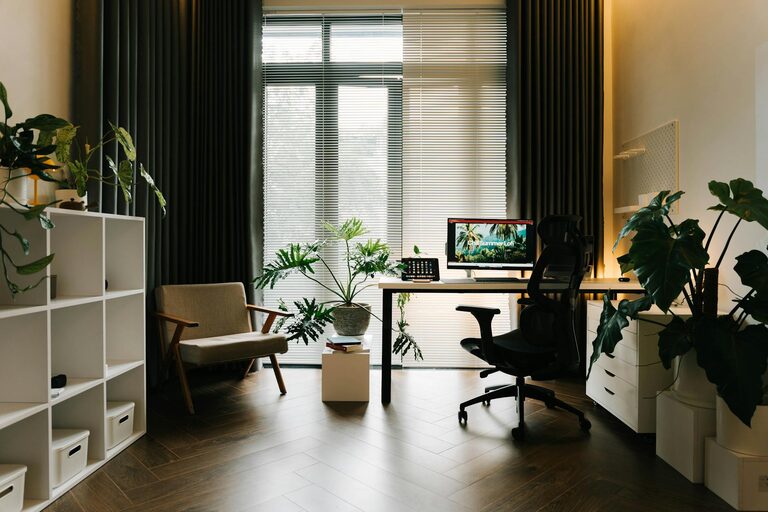
Position your desk near a window if possible. Natural light boosts mood, reduces eye strain, and makes the space feel open and inviting. If windows aren’t available, invest in warm, soft lighting to mimic daylight without glare.
Minimise Distractions
Find a quiet corner or room where household noise is minimal. This creates a boundary between work and personal life, making it easier to concentrate.
Invest in Ergonomic Furniture
Comfortable Chair
Choose an ergonomic chair that supports your posture. Sitting comfortably prevents back pain and fatigue during long work sessions.
Functional Desk
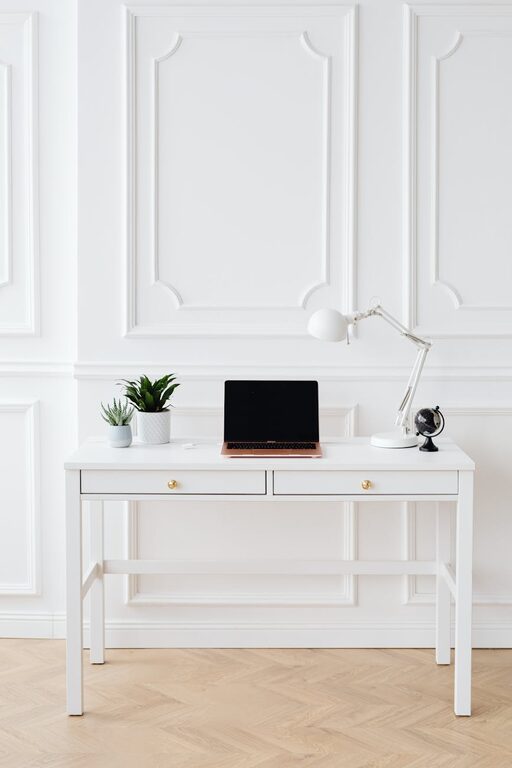
Your desk should be spacious enough for your computer, notebooks, and other essentials without feeling cluttered. Adjustable desks that allow sitting or standing positions add versatility.
Personalise Your Space
Add Personal Touches
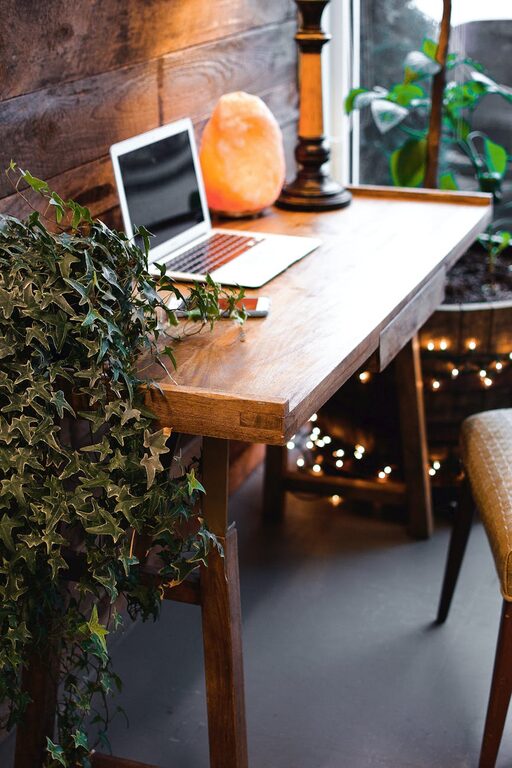
Incorporate items that make you feel happy and relaxed, like photos, plants, or artwork. These personal elements create a welcoming atmosphere, making you eager to start your workday.
Choose Calming Colours
Soft colours such as pastel blues, greens, or beige help reduce stress and improve focus. Avoid overly bright or harsh colours which may be distracting.
Organise Efficiently
Declutter Regularly
Keep your desk tidy by removing unnecessary items. A clean space mentally clears the way for productivity.
Use Storage Solutions
Shelves, drawers, and desktop organisers keep supplies and documents accessible but out of sight. Label containers for added convenience.
Optimise Lighting
Layer Your Lighting
Combine ambient lighting (overhead lights), task lighting (desk lamps), and accent lighting (decorative lamps) for a balanced and flexible setup.
Reduce Glare
Position screens away from direct light sources and consider using anti-glare screen protectors to protect your eyes.
Incorporate Technology Wisely
Reliable Equipment
Choose a fast, reliable internet connection and quality devices suited to your work tasks.
Cable Management
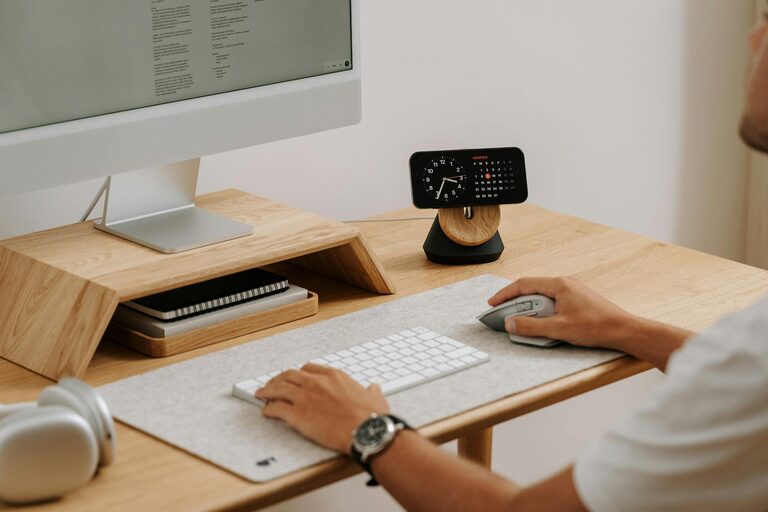
Use clips, sleeves, or boxes to organise cables neatly. A clutter-free desk enhances comfort and reduces distractions.
Create a Relaxation Zone
Take Breaks Nearby
If space permits, add a comfortable chair or small sofa where you can step away briefly. Short breaks in a cozy spot refresh your mind.
Use Soothing Elements
Items like essential oil diffusers or gentle background music can create a calming environment that supports focus and wellbeing.
Set Work Boundaries
Clear Start and End Times
Define your working hours and communicate them with household members to minimise interruptions.
Separate Work and Leisure
Even if your office is in a shared space, try to close doors or use room dividers to distinguish work areas from relaxation zones.
Final Thoughts
Designing a home office that balances coziness with productivity doesn’t require a complete overhaul. Small changes like adjusting lighting, choosing ergonomic furniture, and personalising your space make a huge difference. By focusing on comfort and organisation, you create an environment where work feels less like a chore and more like a fulfilling part of your day.
Try incorporating these tips step by step—your ideal home office awaits!